Backups 2
3 viewsHow does the backup system work?
We use three different types of backups, each with its own purpose and functionality.
Backuply (incremental backups)
With Backuply, we create daily incremental backups of your website. This means that only the changes since the previous backup are stored. These backups do not use any space on your hosting account.
A retention of 14 backups applies — the 14 most recent versions are always available. Once there are 14 backups, the oldest one is automatically overwritten by the newest.
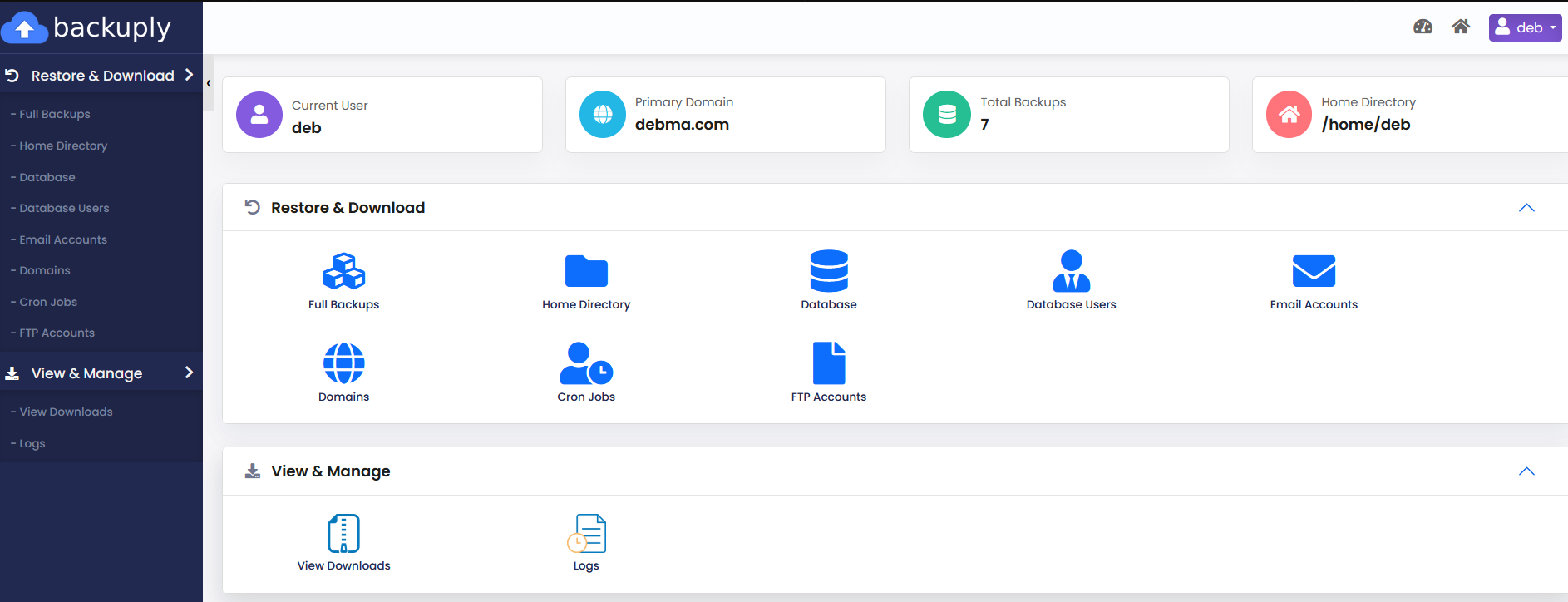
These backups are ideal if you want to restore a specific file, folder, or database. You can do this yourself from your control panel, without needing assistance from our helpdesk.
Daily full backups
In addition to incremental backups, we create a full backup of your entire website once per day. These have a retention period of 7 days, so the 7 most recent full backups are always available. These backups also do not use space on your account.
Note: a full backup can only be restored in its entirety. Your website will be reverted to the state it was in at the time of the backup. This is particularly useful if your website has been compromised and you want to ensure a clean version is restored.
Softaculous backups (self-managed)
With Softaculous, you can configure your own backups. You decide the frequency — for example, with every automatic upgrade — and you can set the retention as desired, so older backups are automatically deleted or overwritten.
Note: Softaculous backups do count toward your account’s total storage space. You can find these backups in the
softaculous_backupsfolder.
Summary
| Type | Frequency | Retention | Uses account space | Partial restore |
|---|---|---|---|---|
| Backuply | Daily | 14 backups | No | Yes |
| Full backup | Daily | 7 days | No | No |
| Softaculous | User-defined | User-defined | Yes | Yes |
Do you have questions or need help restoring a backup? Feel free to contact our helpdesk.